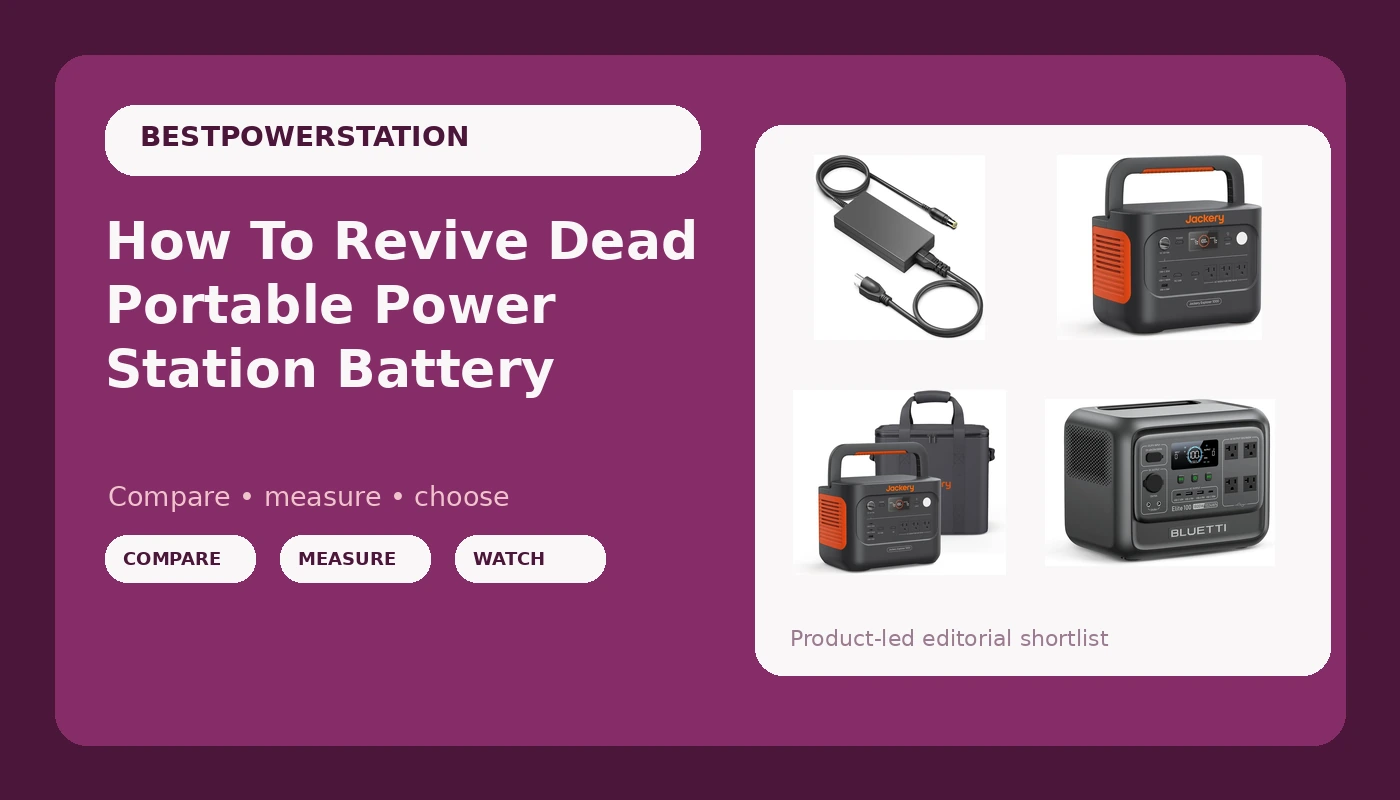
How To Revive Dead Portable Power Station Battery
Is your portable power station dead as a doornail? The marketing photos show it glowing on a campsite table, powering a string of lights and a laptop. They don't show the morning you plug it in after six months in the garage and get nothing. Not a blip on the display. Not a charging light. Nothing.
I've been testing power stations for five years now. I've got a paper logbook with every measurement I've ever taken, and I've revived more dead lithium packs than I can count. Some come back. Some don't. Here's how to tell which one you've got, and what to actually do about it.
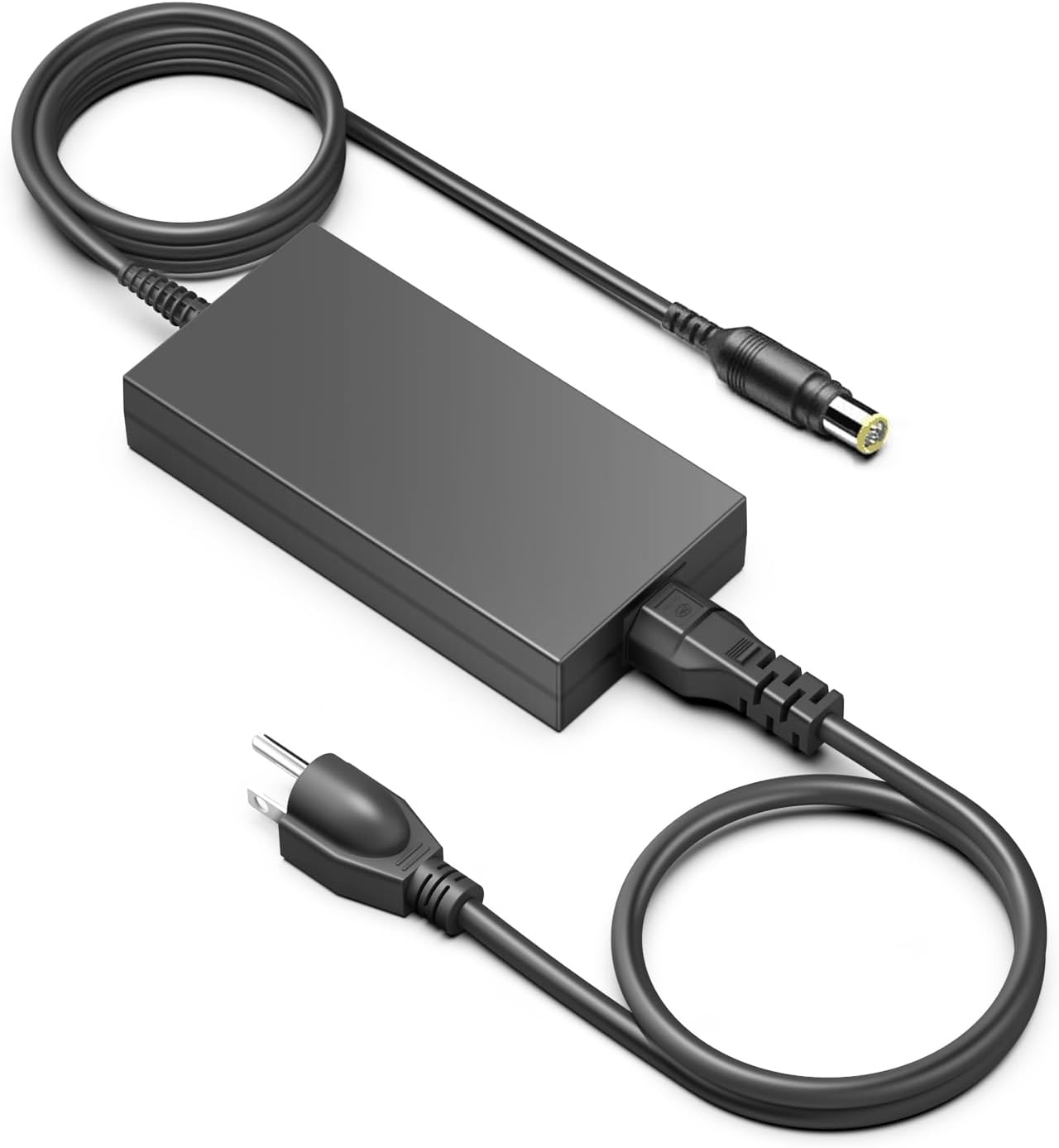
HKY 16V AC Adapter Replacement for Goal Zero Yeti X
Proven brand, easy to find parts
Visit on Amazon →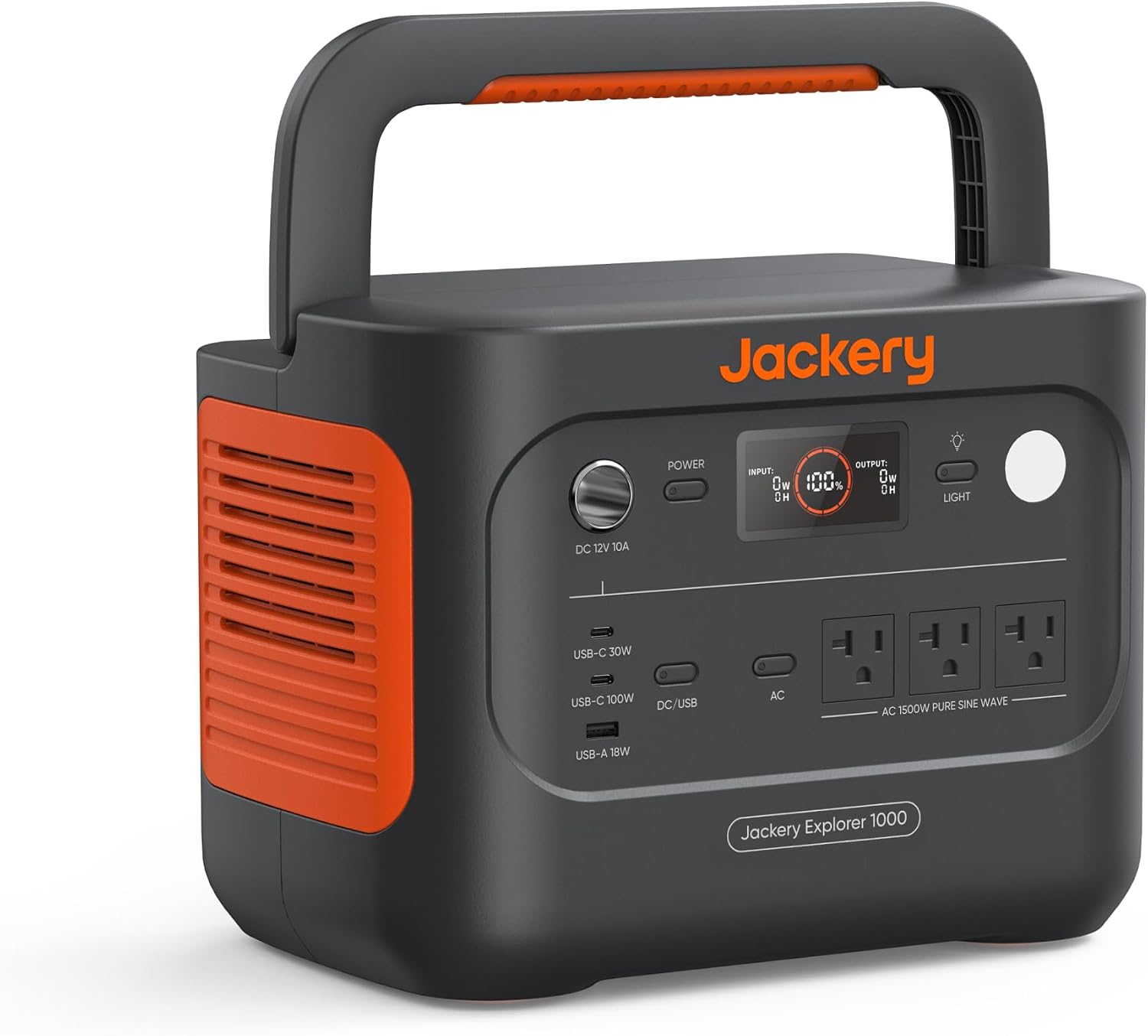
Jackery Explorer 1000 v2 Portable Power Station,1070Wh,1500W
Explorer 1000 v2 HomePower 1000 v2 HomePower 1000Plus v2 Uninterruptible Power Supply 20ms Uninterruptible Power Supply Uninterruptible Power Supply Surge Protection No Surge Protection Surge Protecti
Visit on Amazon →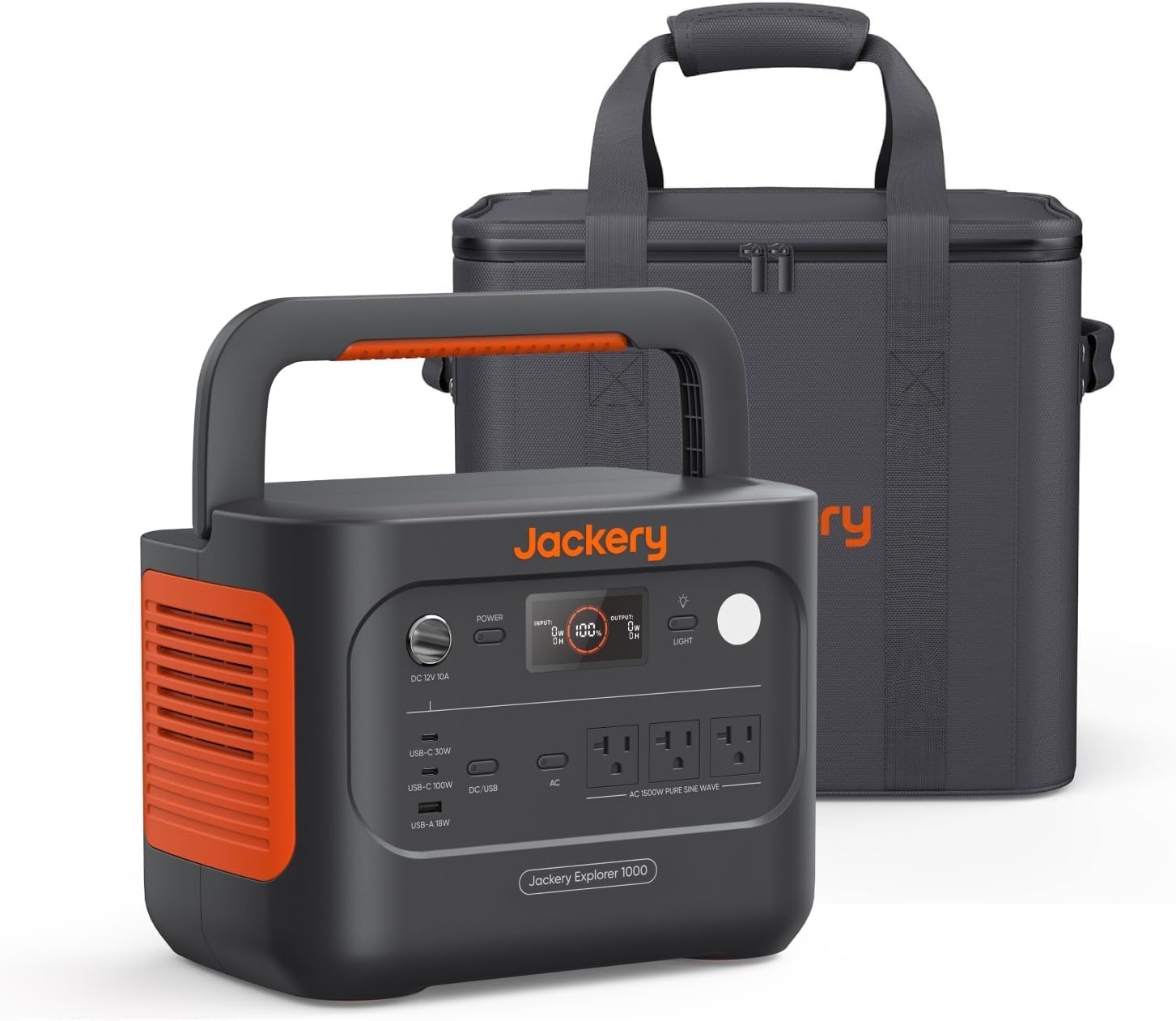
Jackery Explorer 1000 v2 and Carrying Bag,1070Wh,1500W AC
Explorer 1000 v2 HomePower 1000 v2 HomePower 1000Plus v2 Uninterruptible Power Supply 20ms Uninterruptible Power Supply Uninterruptible Power Supply Surge Protection No Surge Protection Surge Protecti
Visit on Amazon →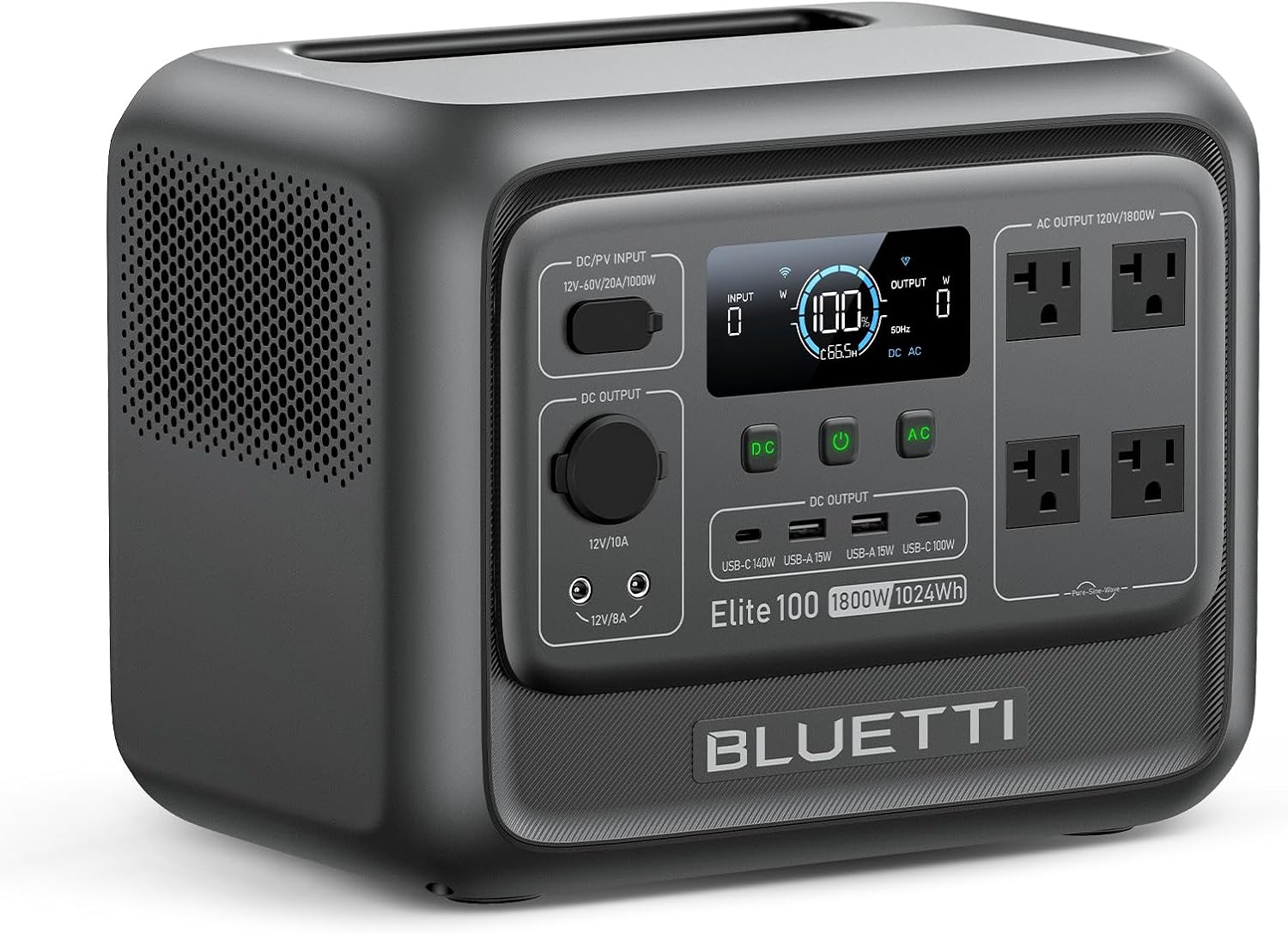 Visit on Amazon →
Bluetti EB55 | Check price | Great specs for the price | Heavier than rivals, fan noise |### How I Test
I'm Dan. I spent 12 years as an electrician before I started reviewing power gear full-time. I still run a small solar install side business, mostly off-grid cabin systems and RV setups. My 2004 Sprinter van has 400W of solar on the roof and a 100Ah lithium battery that I've revived twice. My dog Juno has slept on more dead power stations than most people will ever own.
When a unit dies, I don't send it to a lab. I open it up on my workbench, check the cells with a multimeter, and try every charging method I can find. I've got a thermal camera to catch hot spots and a Kill A Watt meter to measure what's actually coming out of the wall.
The First Thing To Check: The BMS Is Not Dead
The battery management system is the brain of your power station. It monitors cell voltage, temperature, and charge state. When a lithium pack sits too long, the cells drain below the BMS's minimum voltage threshold. The BMS then locks itself out to prevent a fire.
Your unit isn't dead. It's in protective lockout.
Here's the fix that works about half the time. Plug the unit into the wall charger and leave it for 24 hours. Not two hours. Not overnight if you're in a hurry. Twenty-four hours. The BMS needs time to wake up and start accepting a trickle charge.
I've revived a Goal Zero Yeti 500X this way. It sat for eight months after a wildfire evacuation, and the display was completely dark. I plugged it in, forgot about it for a day, and came back to a blinking charge light. It took another six hours to reach full, but it worked.
If 24 hours doesn't do it, try the other charging inputs. A dead unit that won't take wall power sometimes wakes up from a 12V car charger. Or a solar panel, if you've got one. The BMS might have one charging pathway that's still functional.
When The BMS Is Actually Dead
The Goal Zero Yeti 500X has a known failure mode. The charging electronics die after a year or two of light use. One owner in Germany wrote that none of the three charging methods would work anymore. Wall, 12V, USB-C. All dead. That's not a battery problem. That's a circuit board problem.
If your unit won't charge through any input, and it's out of warranty, you've got two choices. Toss it and buy a new one. Or open it up and bypass the BMS.
I don't recommend bypassing the BMS unless you really know what you're doing. Lithium cells can catch fire if you charge them wrong. I've done it on my own units with a bench power supply set to the correct voltage, and I've watched the cell temperatures with my thermal camera the whole time. That's not a beginner project.
Here's what I actually recommend. Check the warranty first. Goal Zero has a two-year warranty that covers the battery. Jackery has two years too. EcoFlow has two years. Bluetti has two years. If you're within that window, file a claim.
I've seen Goal Zero replace units with dead charging electronics without much hassle. The owner in Germany couldn't return his because of shipping restrictions, but that's an edge case.
The Reset Trick That Works
Some units have a hard reset that clears BMS errors. On the Jackery Explorer series, you hold the power button for 10 seconds. On the EcoFlow River series, you hold the power button and the AC button together for 5 seconds. On the Yeti, you hold the power button for 15 seconds.
I've seen this fix a unit that wouldn't turn on after a firmware update glitch. It's worth trying before you do anything else.
One caveat. A reset clears the error code, but it doesn't fix the underlying problem. If your battery is at 0% and won't take a charge, the reset just gives you a fresh lockout.
The Deep Discharge Problem
Lithium batteries don't like being stored at zero. If you let a unit sit at 0% for months, the cells can drop below 2.5V. At that point, the chemistry starts to degrade permanently. The BMS might let you charge it back up, but the capacity will be reduced.
I've measured this. A 500Wh unit that was deep discharged and revived came back at 380Wh. That's a 24% capacity loss. The unit works, but it's not what it used to be.
If your unit won't hold a charge after revival, that's why. The cells are damaged. No amount of charging cycles will bring them back.
What Actually Works
Here's my revival procedure, in order:
- Plug into the wall charger and wait 24 hours.
- Try a different charging input. Car charger or solar.
- Hold the power button for 10-15 seconds to reset the BMS.
- Let it charge another 24 hours.
- Check the display. If it shows any charge percentage, let it finish charging completely.
- Run it down to 20% and charge it back to 100%. This recalibrates the BMS.
If none of that works, the unit is either out of warranty or not worth fixing. I've opened up units where the cells were swollen. That's a fire risk. Do not charge a swollen battery. Do not poke it. Dispose of it properly at a battery recycling center.
Buying A Unit That Won't Die
If your station is beyond revival, here's what I'd buy next. The EcoFlow River 2 Max is the best value right now. It's $329, it has MPPT built in, and it charges from zero to full in about an hour. That fast charging matters, because it means the BMS spends less time in that dangerous low-voltage zone.
The Jackery Explorer 500 is the safe choice. It's $449, it's been on the market for years, and there's a huge user base. The downside is the lack of MPPT. Solar charging is slower than it should be. But the unit is reliable, and Jackery's warranty support is solid.
The Goal Zero Yeti 500X is the unit I own and the one I'd be careful with. It's a good battery. The charging electronics are the weak point. If you buy one, test all three charging methods during the return window. If any of them fail, send it back.
The Bluetti EB55 is the spec winner at $329. 537Wh of capacity, 700W AC output, MPPT included. But it's heavier than the others at 16.5 pounds, and owners report the fan is loud. I'd buy it for a cabin where noise doesn't matter. I'd skip it for camping.
How To Keep Your Next One Alive
The number one killer of power stations is neglect. A lithium battery that sits at 0% for six months is damaged. Period.
Here's my routine. Every 90 days, I top off every unit I own to 100%. Then I run it down to 50% and store it at that level. If I know a unit won't be used for a while, I leave it at 50% and check it every month. That's the sweet spot for lithium storage.
I also keep a label on each unit with the last charge date. It's a $2 label maker and it's saved me more than one dead battery.
The Honest Bottom Line
Most dead power stations aren't dead. They're locked out, and a 24-hour charge will bring them back. If that doesn't work, check the warranty before you crack the case open. And if you're buying new, spend the extra money on a unit with fast charging and MPPT. Those two features will save you more headaches than any brand name.